
Home / Shopping List
Your list, your way.
Add what you need, then send it to the store from your own phone to check what is in stock. Pick up in store, or ask about delivery.
Step 1
Build your list
Type anything, or tap ideas from each aisle. Your list stays on this device only.
Quick ideas by aisle
Ideas are examples to ask about, not a confirmed stock list.
My list No items yet
How it works
Simple, private, no account.
- Your list is saved in your own browser so it is still there next time. Nobody else can see it.
- When you are ready, WhatsApp, your text app or your email opens with the list drafted.
- You decide whether to send it. This website never sends anything on its own.
- The store replies with what is available. Prices and delivery details come from the store.
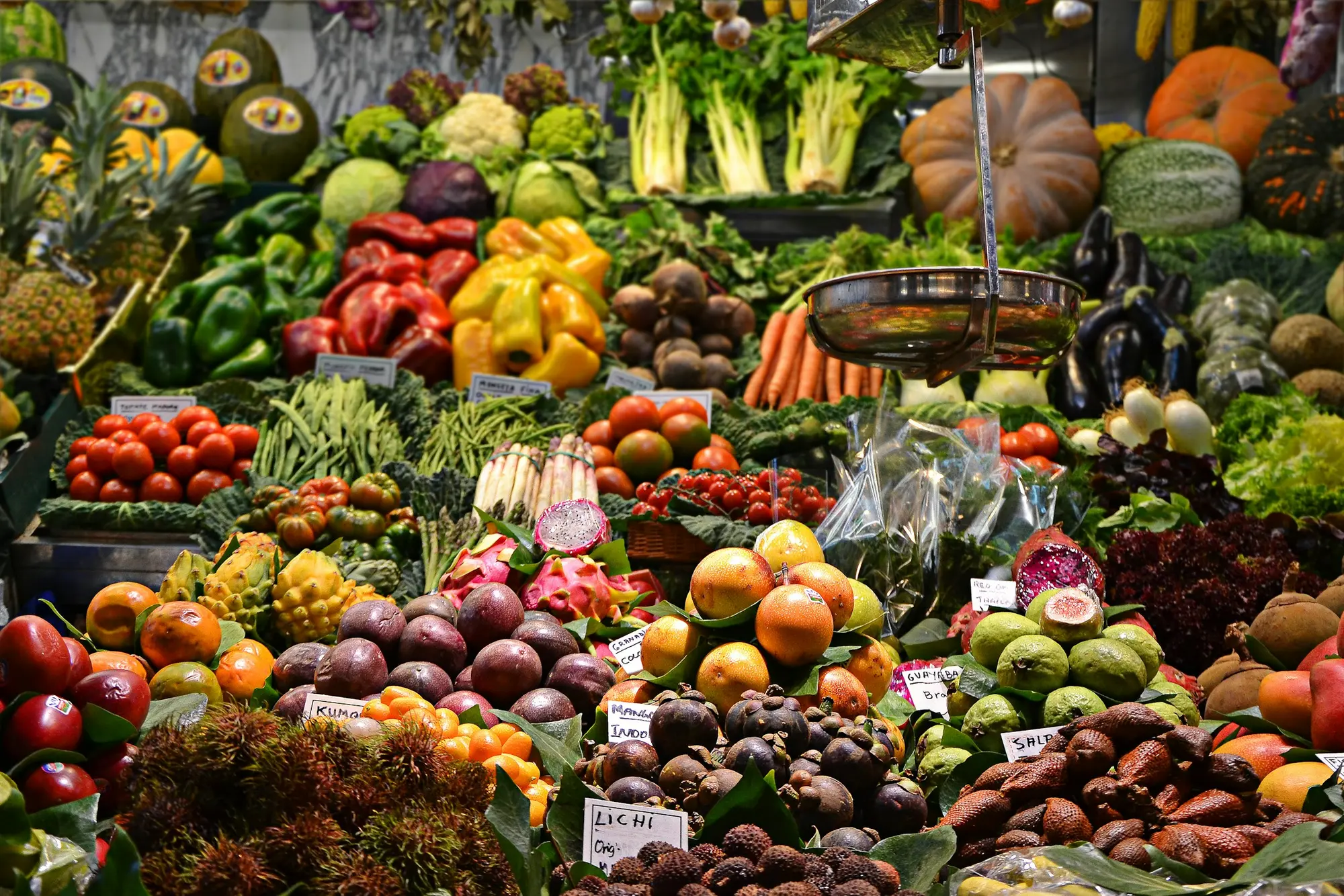 Representative image
List questions
Before you send.
Can I send my shopping list ahead?
Yes. Use the shopping list builder to add items, then send the list from your own WhatsApp, text app or email. The team can reply with what is available. Ask them if they can set items aside for you.
Do you deliver?
A public listing mentions delivery. Call the store to ask about delivery areas, timing and any fees before you rely on it.
Are prices listed on this website?
No. Prices are not shown here. Ask the store for current prices when you send your list or visit.
Can I ask for something I don’t see?
Of course. Add it to your list as a typed item or mention it when you call. If the store does not carry it, the team can tell you.
Does this website send my list or save my details?
No. Nothing is sent from this website. Your list is kept only in your own browser on your device so it is still there when you come back, and you can clear it at any time.
 Representative image